Back
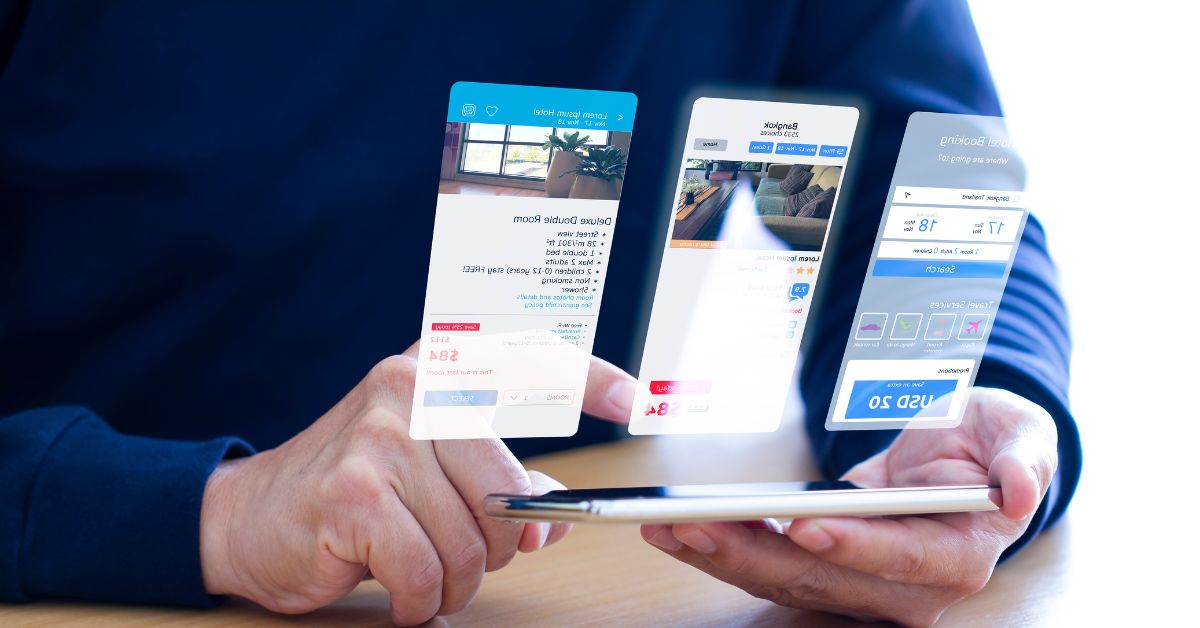
Custom applications are the perfect solution for companies looking for technology tailored to their specific needs. These tools solve concrete operational problems, help optimize processes, and can even be used to develop new business opportunities.
In this article, we explain what custom applications are, how to develop them, and how to successfully integrate them into your business.

Custom applications are categorized by their purpose and platform. Each is designed to meet specific needs and optimize key business processes. Let's look at the main types:
These run directly in browsers and require no installation. They are ideal for database management and automating internal processes, such as inventory tracking, invoicing, or customer support. They allow for quick access from anywhere with an internet connection, making them perfect for teams working remotely or collaboratively.
Designed for mobile devices, these offer practical solutions that adapt to daily user habits. They are useful for improving productivity on the go, facilitating internal communication, or providing specific services to customers. For example, a mobile app can be used to report project progress, manage orders, or send real-time notifications.
This type of software is designed to optimize a company's internal operations. It includes tools such as ERP (Enterprise Resource Planning) systems, which centralize key areas like finance and logistics, or CRMs (Customer Relationship Management) tailored to improve customer interaction.
These solutions connect different systems and tools. For example, you can integrate your sales software with your inventory management system or connect your marketing tools with your databases to improve segmentation and analysis. This facilitates the flow of information, eliminates duplication, and improves operational efficiency.
Custom application development has evolved significantly in recent years thanks to theNo-Codeapproach. With this method, it is possible to create highly complex, customized tools in a flexible and cost-effective way.
For example, with No-Code, you can configure interfaces, establish workflows, or connect databases without writing a single line of code.
Furthermore, No-Code facilitates collaboration between technical and non-technical teams, allowing those who know your company's internal processes best to actively participate in the application's development. This ensures that the final result is truly functional and aligned with your business goals.

Before starting the development of a custom application, it is important to be clear about a few key aspects to ensure the process is efficient and the final result meets your expectations. Here is what you need to consider:
At Arcus, we can design the application, ERP, productivity tool, integration, or AI tools your company needs. Furthermore, we can help you integrate, adapt, or scale the developed technology as needed.
Contact us and let's start developing the custom application your company needs, with all the power of No-Code. Schedule a meeting with our experts and discover why dozens of companies in over 15 countries have trusted us to develop their custom technological solutions.